For freelancers
Send the version you want approved.
Keep each submission and its feedback together, so the decision is easy to understand later.

Work delivered. Approved.
Send your client a file or link. They can comment, approve it or request changes without an account. You keep a record of the exact version they reviewed.

How it works
Keep the review focused and the final decision easy to find.
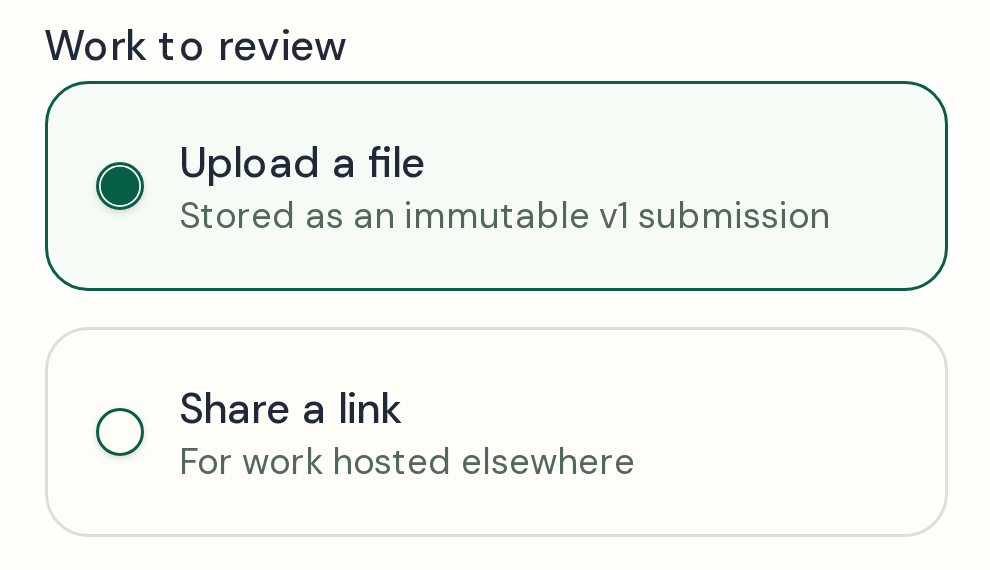
Send a file or link with its version details for your client to review.
Your client can leave feedback and choose Approve or Request changes without an account.

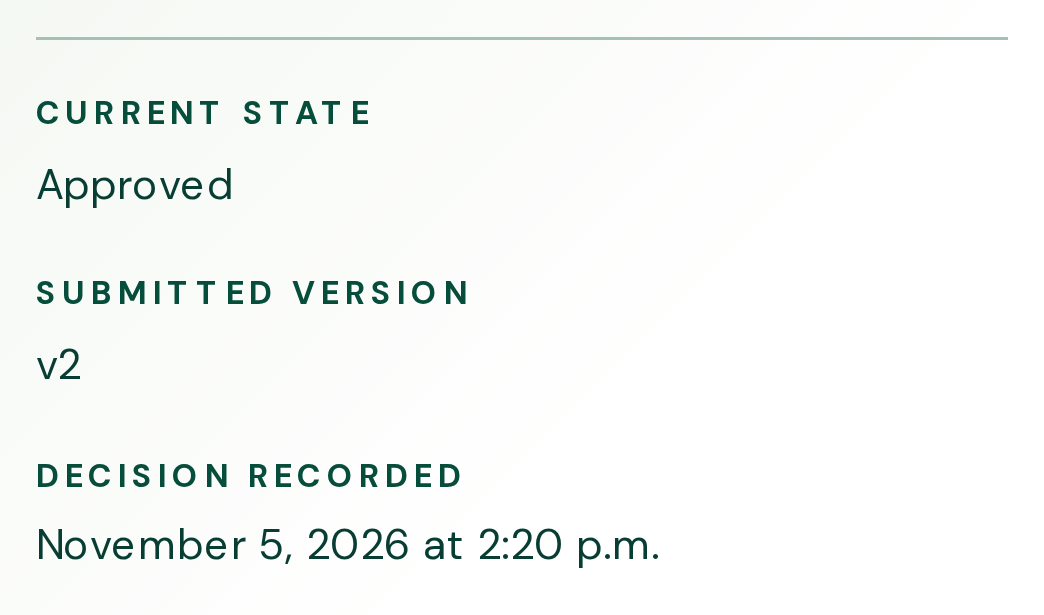
Keep the submitted version, client decision and response time together.
For freelancers
Keep each submission and its feedback together, so the decision is easy to understand later.
For clients
Open the review link, share feedback and choose Approve or Request changes. No account is needed.
Four-week estimate
Sending files, sorting feedback, tracking revisions and confirming approvals all take time. See how that work adds up across your client projects and how much time you could get back if each review took less admin.
Count the time you spend managing the review. Leave out time spent waiting for feedback or making the edits.
Current workload
26 hours 40 minutes spent managing reviews over four weeks
Time back over four weeks
You could get 13 hours 20 minutes back
If you reduce the time you spend managing each review from 20 minutes to 10 minutes, that’s how much time you could get back over the same four weeks.
Illustrative estimate based on your inputs. Actual savings vary.
Simple, transparent pricing
For getting started
No charge
For regular use
$15 USD per month
Resources
All the details, together in one place.
No. Clients can open the review link, leave feedback, and choose Approve or Request changes without creating an account.
Saved JPEG, PNG, GIF, WebP, and PDF revisions support pinned comments. Direct image or PDF URLs can be annotated only after Vouchbit retrieves and saves them as fixed revisions; shared website, video, Canva, and Google Drive links support general feedback.
Each approval request you create counts. The Free plan counts requests created during the current calendar month toward its three-request limit.
Workspace access is authenticated. Anyone with the approval’s token-bound public link may be able to view and download its decided record, so share that link carefully.
“Vouchbit made it easy to get client feedback and approvals in one place. It fit my budget and saved me hours of back-and-forth emails.”
Could the headline sit closer to the left edge?
OpenThe fruit colours feel right.
Handled