01
Send a file or link
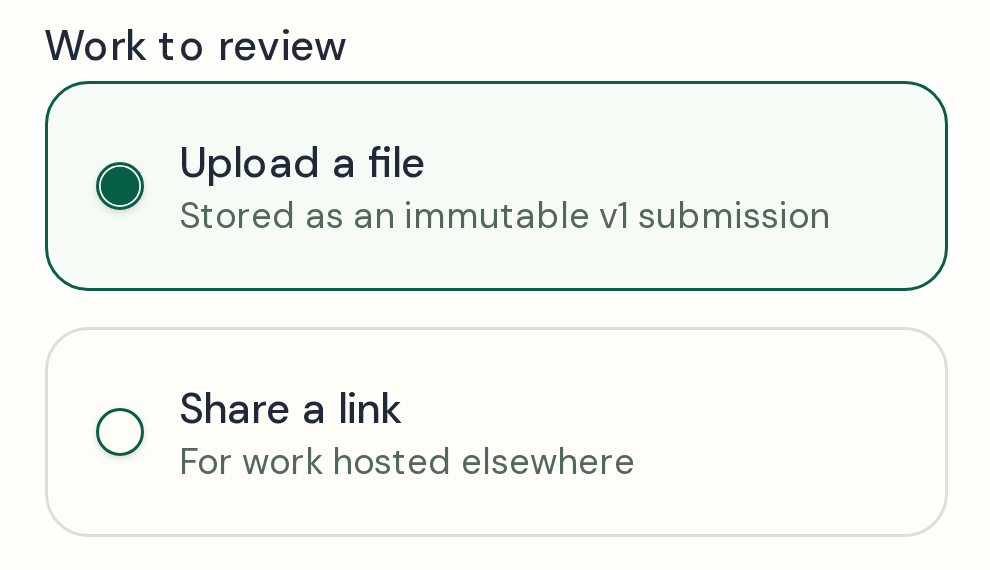
Upload a file or paste a link, then send your client one review link.

A clear review, from start to finish
Send your client a file or link to review. They can leave feedback and make a decision without creating an account. Vouchbit records which version they reviewed, what they decided, and when.
01
Upload a file or paste a link, then send your client one review link.
02
Your client opens the link, leaves feedback, then chooses Approve or Request changes.

03
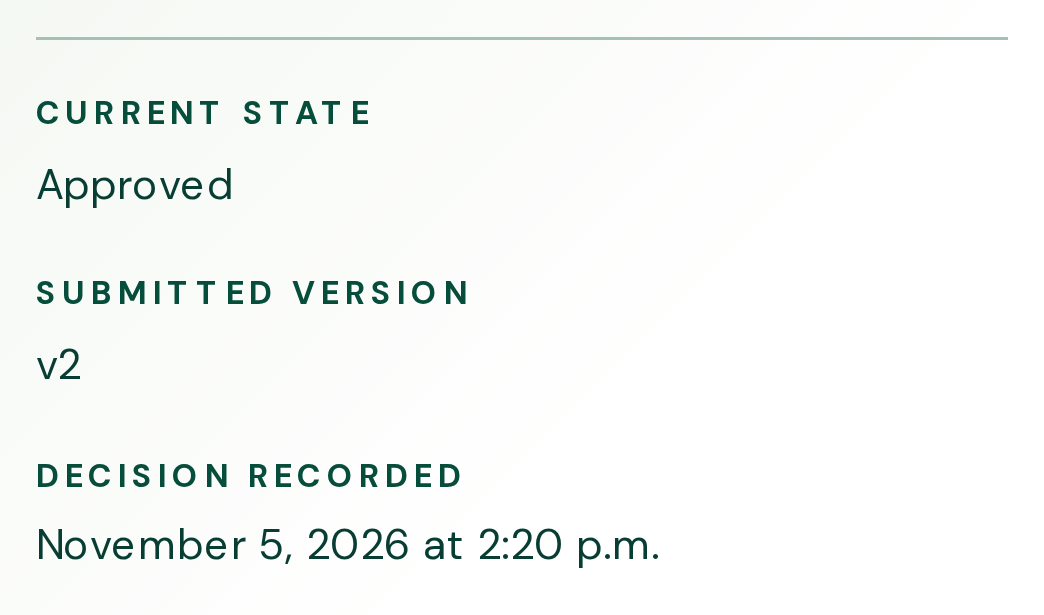
The approval record shows which version your client reviewed, what they decided, and when.
Resolving a comment marks it as handled. The client still needs to choose Approve or Request changes.
Clients can pin comments to specific spots on supported images and PDFs saved in Vouchbit. When you share a website, video, Canva or Google Drive link, clients can open the link and leave general feedback on the Vouchbit review page.
Sign up to review a sample ad, leave feedback, and try the approval process.
Could the headline sit closer to the left edge?
OpenThe fruit colours feel right.
Handled